Turn a screenshot into an editable interface
Upload an APP screenshot, or describe what you want in a single sentence, and AI rebuilds it as an interface made of real widgets — every label, button, and chart can be dragged, edited, and exported right on the canvas.
Generate
Waiting for input…
AI is generating the interface — as soon as it is done you can drag the widgets and tune the parameters here.
Live examples · Click to jump straight into the canvas editor
Every example below is a real interface you can edit further — open one and change it.












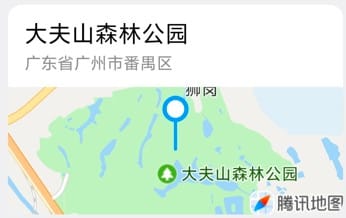
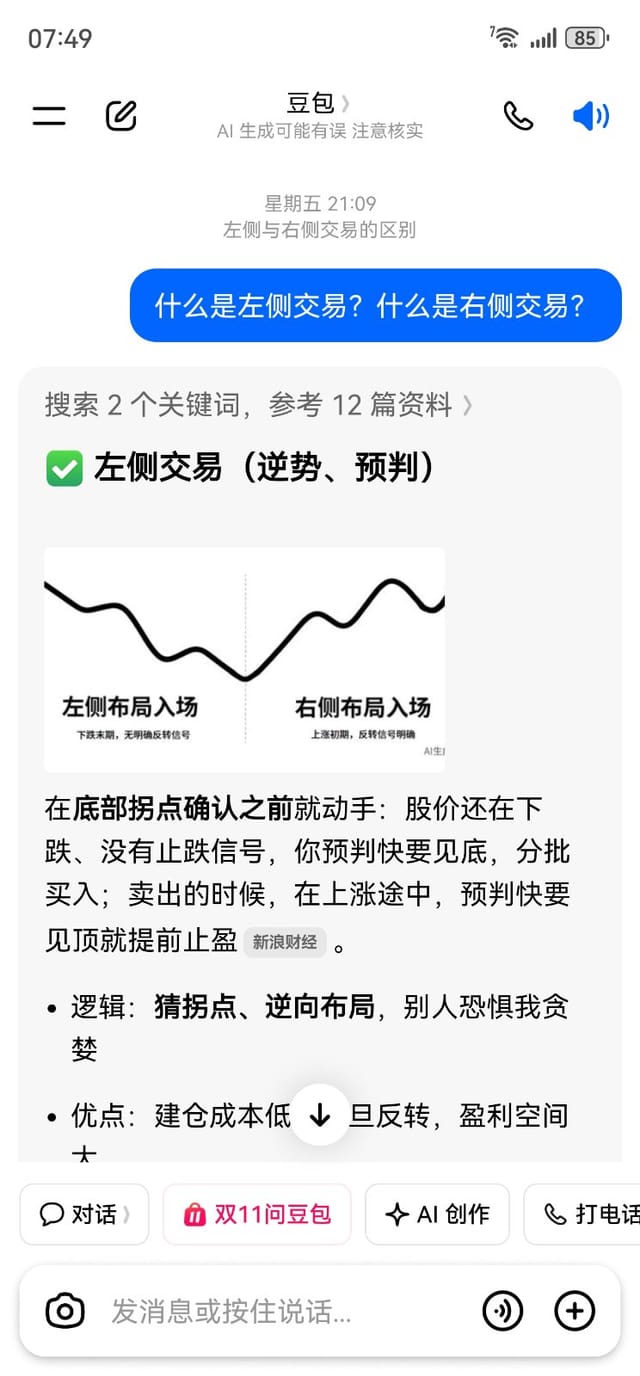

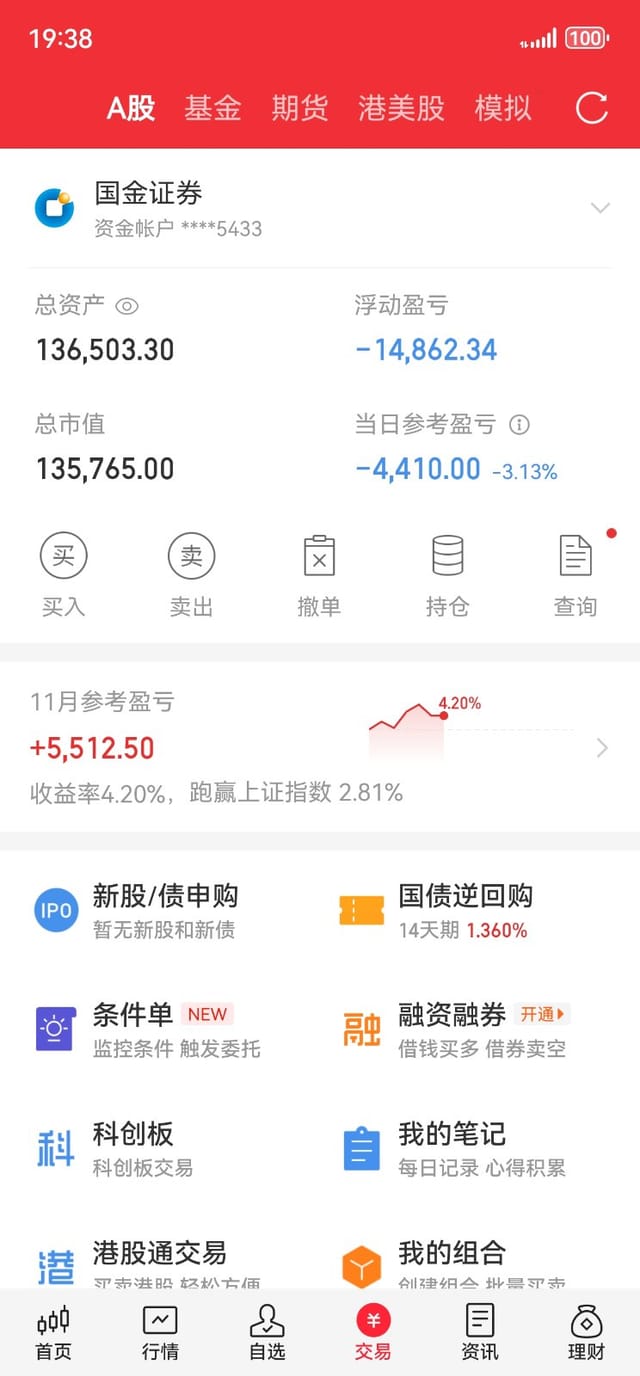

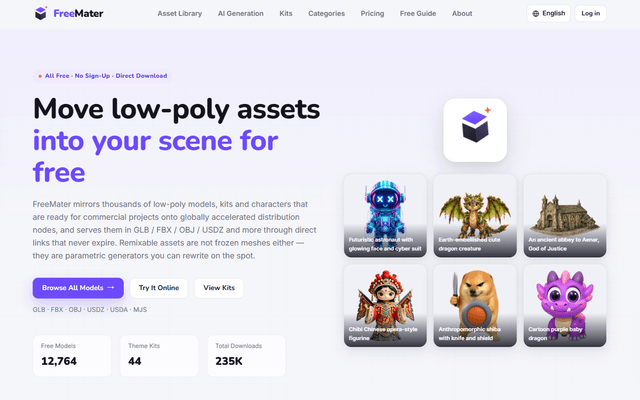
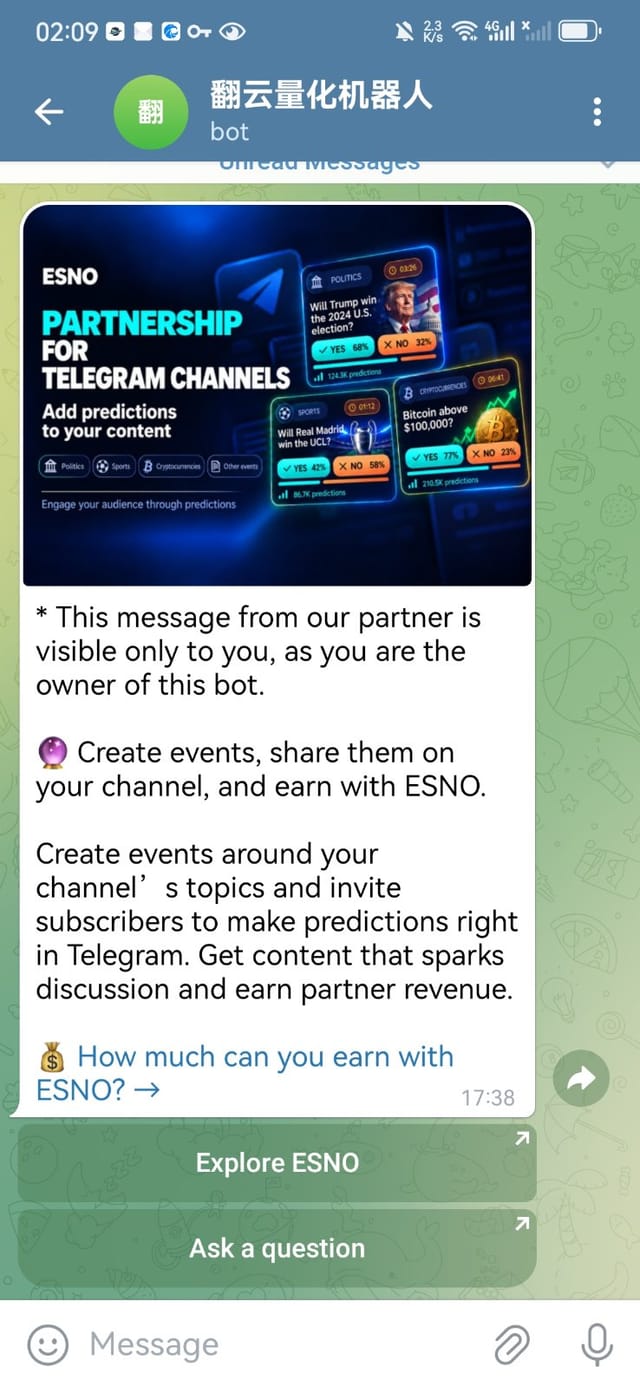
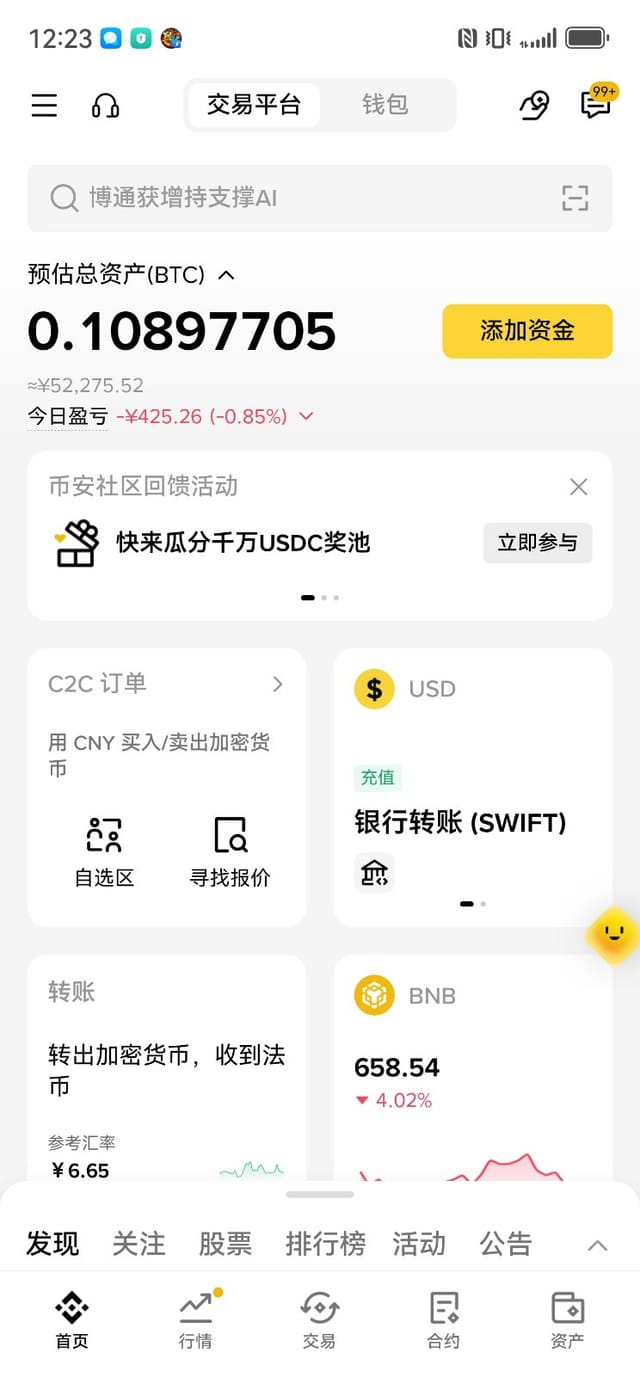

Three steps to an interface of your own
Upload one screenshot, or write a single sentence describing what you want, and AI hands you a complete, editable interface.
Upload a screenshot / type a description
Drag in an APP screenshot, or just write 'I need a futures profit page' — the more specific you are, the closer the rebuild.
AI generates an editable interface
AI reads the layout and hierarchy, matches real widgets from the library, and hands you not a picture but a stack of widgets you can edit.
Fine-tune on canvas · Export · Simulate
Drag elements, rewrite the copy, swap the colors, export a high-resolution PNG — or run it in the simulator and record a demo video.
An editor built to look real
Not a collage of images — every element is a live widget.
Pro Canvas Editor
Infinite canvas, snapping, and layer management — dragging, scaling, rotating, and fine-tuning all feel natural.
Real Text Widgets
Inputs, lists, cards, and charts are real widgets whose text and numbers you can edit — not flat images.
144+ Built-in Widgets
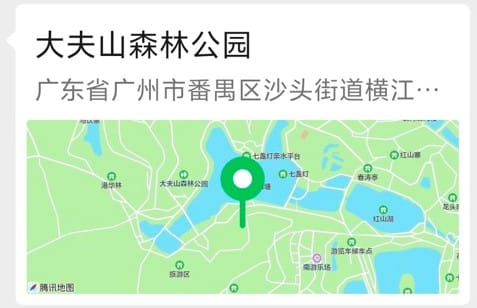
Status bars, keyboards, quote cards, profit curves, emoji, chat bubbles — all the usual suspects are ready to go.
Pro Layer Management
Group, hide, lock, reorder — even a complex interface stays perfectly organized.
UI Action Links
Bind buttons to navigation, popups, or back actions, and the prototype you build is genuinely clickable.
Device Simulation & Recording
iPhone, Android, HarmonyOS, and tablet frames — record a demo video in one click.
Project-based Workflow
One project can hold many interfaces — team collaboration and version rollback get easier.
AI Widget Builder
No widget that fits? Let AI build one from your screenshot or description.
High-resolution Export
Export 2x/3x high-resolution PNG in one click and drop it straight into your spec.
Turn a static interface into a working phone
Drop the interface from your canvas into a real device frame and use it like a phone — then record the interaction and use it straight as a showcase video.
- ✓iPhone / Android / HarmonyOS / Tablet / Custom resolution
- ✓Navigation · Popup · Back · External link, four action types, 7 transitions
- ✓Long-page scrolling and device bezel simulation
- ✓Hide the cursor while recording, download webm in one click
What people build with DownUI
From chat screens to profit curves — these interfaces are built, not borrowed.
Whether you are a product manager sketching prototypes, an operator building campaign pages, or a designer producing interface assets in bulk, DownUI turns 'I want a screen like this' into 'I have an editable file'. Upload a screenshot and seconds later you have something you can edit, click, and export.
FAQ
QIs DownUI free?+
The core features are completely free. Signing in with Alliance NO.1 grants 5 AI generations, and lifetime members get 1 more every day; when you run out, you can exchange Alliance Credits for more.
QAre the generated interfaces made of real widgets?+
Yes. Each interface is assembled from real widgets — status bars, text fields, buttons, charts — so once you enter the canvas you can drag them one by one, rewrite the copy, swap the colors, and bind navigation actions.
QDo you support Android and iOS?+
Both. Upload screenshots from Android or iOS; the simulator offers iPhone, Android, HarmonyOS, tablet, and custom resolutions.
QCan I export the design file?+
Yes. The canvas exports a high-resolution PNG in one click (2x/3x adjustable), ready to drop into specs or prototype reviews.
QDo I need to download a client?+
No — it runs entirely in the browser. Open it on your computer browser to keep editing; every project lives in your account.
Still water reflects the moon, the interface is a mirror
Sign in with Alliance NO.1 to start free and get 5 AI generations; lifetime members receive 1 more every day, and you can always exchange Alliance Credits for more.